How to Add and Play With Friends in Shadow Fight 3
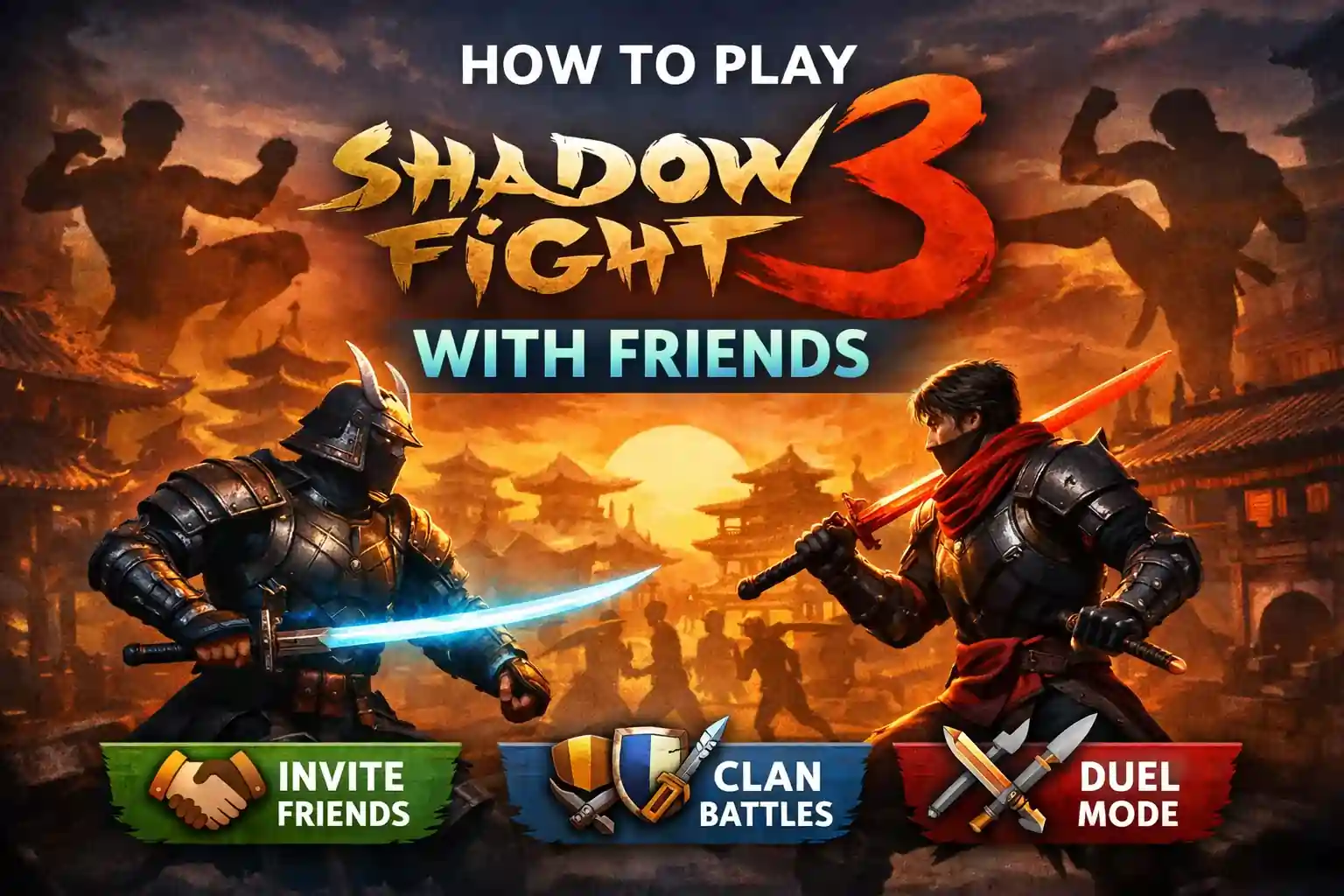
Many players download Shadow Fight 3 expecting to battle their friends directly, only to get confused by duel modes, invite options, and multiplayer settings that don’t always work the way they expect. This often leads to frustration, especially when the game interface doesn’t clearly explain how friend battles work. To make things easier, this blog breaks down every possible way to play Shadow Fight 3 with friends, from duel alternatives and clan play to the best fixes for invite issues, so you can start fighting together without wasting time on trial and error.
Overview
This guide covers everything you need to know about playing Shadow Fight 3 with friends, including available multiplayer options, duel mode, clan battles, and the best ways to challenge each other in the game. It also explains how friends invite work, what to do if the feature is missing, and simple fixes for common connection or update issues. Whether you want to compete directly, compare your builds, or enjoy clan events together, this article will help you find the easiest and most effective way to play with your friends.
Can You Play Shadow Fight 3 With Friends?
Yes, you can play SF3 with friends, but this feature depends on the latest updates and the platform you are using.
Older versions of the game mainly offered Duel mode, where you fight against AI-controlled versions of real player profiles. This means the character build is from another player, but the fight itself is not live multiplayer.
Recent updates and community guides mention friend invite options, clans, and multiplayer features, which may allow players to connect more directly depending on the update version.
So before trying to play with friends, make sure your game is fully updated.
How to Play Shadow Fight 3 with Friends?
Step 1: Update Shadow Fight 3
The first thing you should do is update the game.
Go to:
- Google Play Store on Android
- App Store on iPhone
Search for Shadow Fight 3 and tap Update if a new version is available. Many multiplayer and social features are added through updates, so using an old version may stop you from seeing the friend options
Step 2: Open the Friends or Social Tab
Once the game is updated, open it and go to the main lobby.
Look for options such as:
- Friends
- Social
- Clan
- Invite
- Duel
In some versions, the friends tab appears in the main menu or profile section. According to recent guides, some versions include a friend code system where you can add players directly.
Step 3: Add Your Friend
There are usually a few ways to add friends.
Using Friend Code
If the game shows an Add Friend option:
- Tap Add Friend
- Enter your friend’s code
- Send the request
- Wait for them to accept
This is the easiest method.
Step 4: Challenge Your Friend
After adding your friend, go to their profile or the friends list.
Tap:
- Invite
- Challenge
- Duel
- Fight
This sends them a match request. Once they accept, the battle should start. If you do not see this option, your version may not support live friend battles. In that case, the closest feature is Duel mode.
Step 5: Use Duel Mode as an Alternative
Many players confuse Duel mode with live multiplayer. In reality, Duel mode often matches you against AI fighters built from other players’ gear and stats.
This means:
- The character belongs to a real player
- The gameplay is controlled by AI
- It is not a live, real-time fight
Step 6: Join the Same Clan
Another great way to play with friends is by joining the same clan. Clans are one of the best social features in the game. When both of you join the same clan, you can:
- Complete clan tasks
- Earn rewards
- Compare progress
- Participate in events together
- Discuss builds and strategies
Best Ways to Play Shadow Fight 3 With Friends
Even if direct real-time PvP is not available in your version, there are still fun ways to enjoy the game together.
1. Compare Builds
Show each other your:
- weapons
- armor
- helmets
- shadow abilities
Try using different factions in SF3 like:
- Legion
- Dynasty
- Heralds
Then compare which build performs better.
2. Race Through Story Chapters
Challenge your friend to complete chapters faster.
For example:
- who finishes Chapter 3 first
- who defeats a boss in fewer attempts
- who reaches a higher power score
This adds friendly competition.
3. Compete in Events
Special events are one of the best parts of the game. Both of you can join the same event and see who earns the better rewards. This keeps the game exciting.
Why You May Not See the Friend Option
Sometimes players do not see any friend or invite option.
This usually happens because of one of these reasons:
-
Old Game Version
Update the app first. -
Region Restrictions
Some features roll out slowly in different countries. -
Server Issues
Temporary server issues can hide multiplayer options. -
Guest Account
Some social features require login through Google, Apple, or Facebook.
How to Fix Friend Invite Not Working?
If your friend invite is not working, try these quick fixes.
1. Restart the Game
Close the app fully and reopen it.
2. Check Internet Connection
A weak internet connection can block invites.
Switch between:
- Wi-Fi
- mobile data
3. Clear Cache
On Android:
- go to Settings
- Apps
- Shadow Fight 3
- Storage
- Clear Cache
4. Update Again
Sometimes the latest patch fixes bugs.
Is Shadow Fight 3 Better for Friends Than Shadow Fight 4?
If your main goal is playing live battles with friends, then Shadow Fight 4: Arena is usually the better option. That game includes a dedicated VS Friend mode with real-time PvP.
Meanwhile, Shadow Fight 3 focuses more on:
- story mode
- character progression
- equipment upgrades
- RPG elements
So if you want story and gear progression, choose Shadow Fight 3. If you want direct PvP with friends, Shadow Fight 4 is often better.
Important Precautions
This section adds trust and helpfulness.
Important Precautions Before Playing
- Use a stable Wi-Fi connection
- Keep the app updated
- Avoid third-party mod APKs for multiplayer
- Don’t share login details with friends
- Link your account for progress safety
- Check game permissions
- Avoid switching networks during battle
- Restart after major updates
Final Thoughts
Playing Shadow Fight 3 with friends can be a lot of fun, whether through direct invites, clan activities, or friendly Duel competitions. The most important thing is to keep the game updated and check whether your version supports the latest friend features.
Even if live PvP is limited, you can still enjoy the game together by comparing builds, completing events, and challenging each other through progress goals. If you want the best direct player-vs-player experience, you may also want to try Shadow Fight 4: Arena for real-time battles.
Frequently Asked Questions
1. Is Shadow Fight 3 multiplayer real-time?
In most cases, duel mode is against AI-controlled versions of player profiles, not live real-time PvP.
2. Is Shadow Fight 4 better for playing with friends?
Yes, Shadow Fight 4: Arena is better for live real-time battles with friends.
3. How do I fix Shadow Fight 3 invite issues?
Update the game, restart the app, clear cache, and make sure both players are on the latest version.
4. Can you play Shadow Fight 3 with friends?
Yes, depending on the version and available multiplayer features. Some versions support friend invites, while others mainly offer duel and clan modes.


