Shadow Fight 4 Friend Match Guide (Create & Join Room)
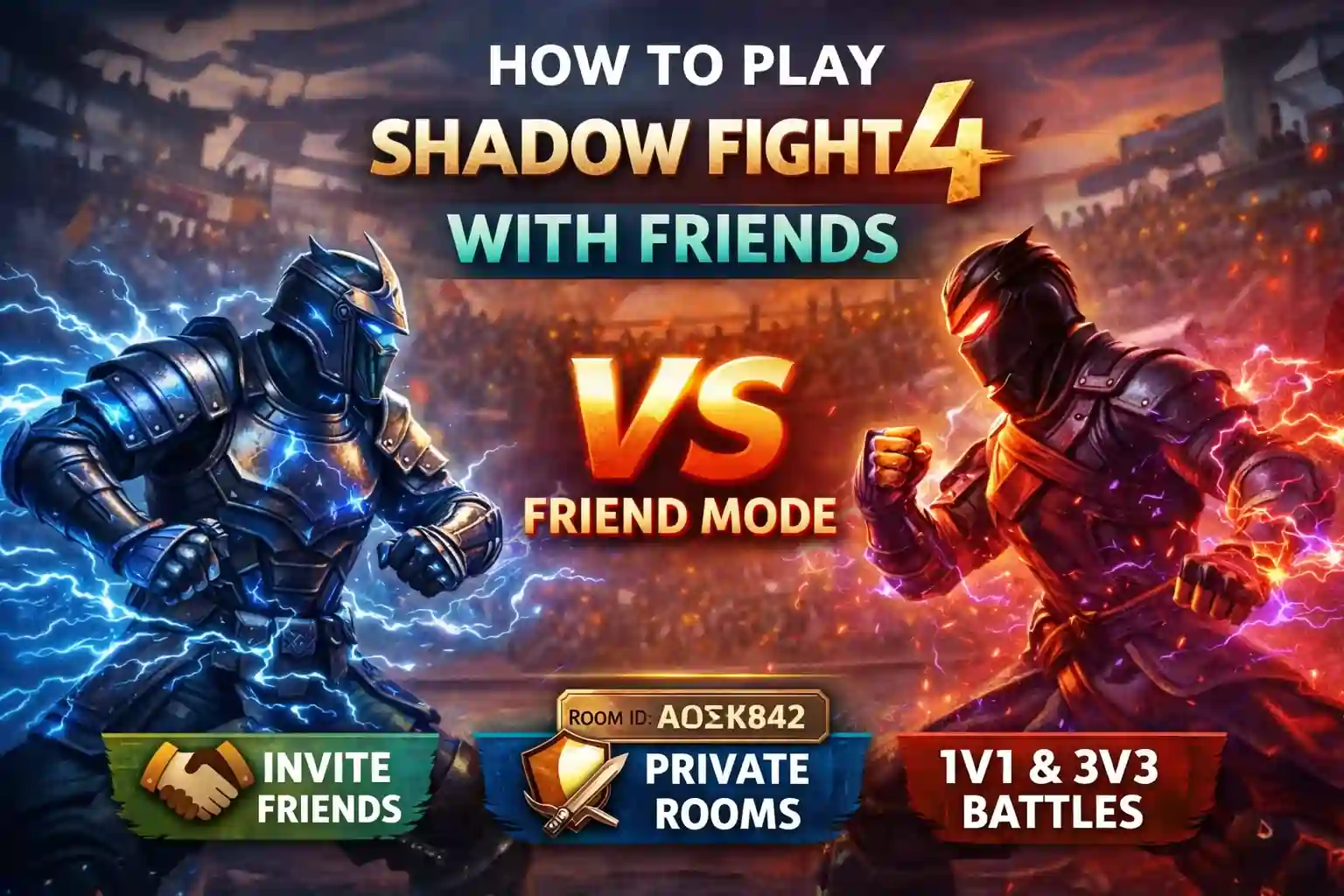
Playing against random players is fun, but nothing beats challenging your own friends in Shadow Fight 4: Arena. Many players install the game for its smooth PvP battles, yet still feel confused about how the friend mode actually works. The good news is that Shadow Fight 4 includes a dedicated VS Friend mode, making it much easier to create private battles and play real-time matches with people you know. This guide explains every step, from creating a room to fixing common join issues, so you can play Shadow Fight 4 with friends without any confusion.
Overview
This guide covers everything you need to know about playing Shadow Fight 4 with friends, including private room battles, 1v1 and 3v3 modes, room ID sharing, and common fixes if your friend cannot join. Whether you want casual practice matches or serious PvP fights, this article will help you set up friend battles quickly and easily.
Can You Play Shadow Fight 4 With Friends?
Yes, absolutely.
Unlike Shadow Fight 3, Shadow Fight 4: Arena offers a dedicated VS Friend mode for live multiplayer battles. This means you and your friend can fight in real time instead of facing AI-controlled characters. The official support guide confirms that you can create or join private rooms directly from the lobby.
This is one of the biggest reasons many players prefer Shadow Fight 4 for multiplayer gameplay.
How to Play Shadow Fight 4 With Friends? (Step by Step)
Step 1: Open the Game Lobby
Launch Shadow Fight 4: Arena and wait for the main lobby screen to load. From the home screen, look for the VS Friend option. It is usually available alongside normal PvP and story modes.
Step 2: Choose VS Friend Mode
Tap VS Friend. According to the official help center, you will then see two options:
- 1v1 mode
- 3v3 mode
1v1 Mode: This is best for quick one-on-one battles. Each player chooses one hero.
3v3 Mode: This mode allows both players to create a team of three heroes. This is great for longer and more strategic matches.
Step 3: Tap Create or Join
After choosing the mode, you will see two buttons:
- Create
- Join
If You Want to Host:
Tap Create. The game will generate a room ID.
Send this ID to your friend.
If Your Friend Created the Room:
Tap Join. Enter the room ID shared by your friend.
Once entered, you will join the same private match lobby.
Step 4: Start the Match
After both players join the room, simply tap Start. The match will begin instantly.
This is a real-time live PvP fight, so timing, combos, and strategy matter much more than AI battles.
Best Heroes to Use Against Friends
Friend battles are perfect for testing your strongest heroes.
Popular picks include:
- Ling – strong katana attacks
- Marcus – heavy damage and range
- Helga – strong defensive skills
- Shang – shadow energy combos
Choose heroes that fit your fighting style.
Why Your Friend Cannot Join?
Sometimes your friend cannot join your room in Shadow Fight 4: Arena. This usually happens due to simple issues like entering the wrong room ID, having a slow or unstable internet connection, or using different game versions. In some cases, server problems or regional restrictions can also prevent joining. Make sure both players check these things before trying again.
1. Different Regions
This is the most common issue.
The official guide states that players must be on the same server region, such as:
- AS
- EU
- US
If you are on different servers, the room will not work.
2. Weak Internet Connection
A weak internet connection can often prevent your friend from joining the room. For the best experience, use a stable Wi-Fi connection and, if possible, keep both devices on the same network.
3. Incorrect Room ID
Even one wrong digit in the room ID can block access. Always double-check the code before joining to make sure there are no typing mistakes.
4. Old Game Version
Both players should update the game before starting the match. An older game version may cause compatibility issues and prevent the private room from working properly.
1v1 vs 3v3 — Which Mode Should You Choose?
Choosing between 1v1 and 3v3 depends on the kind of match you want to play with your friends.
1v1 Mode
The 1v1 mode is best for quick battles and testing individual skills. Each player selects one hero, which makes the match faster and more focused on timing, combos, blocking, and reaction speed. This mode is perfect if you want a quick challenge or want to see who is the better fighter in a direct face-off.
3v3 Mode
The 3v3 mode is better for strategy and team combinations. In this mode, each player chooses three heroes, and the fight continues until one team is fully defeated. This gives you more chances to plan hero order, use different abilities, and create stronger combinations. It is ideal for longer matches and players who enjoy tactical gameplay.
Mistakes to Avoid While Playing With Friends
- Using different server regions
- Entering the wrong room ID
- Playing on weak internet
- Using outdated game version
- Ignoring hero upgrades
- Choosing unfamiliar heroes
- Switching networks during match
- Not testing controls first
- Using VPN during battle
- Closing the lobby before your friend joins
Important Precautions
Before starting a match, keep these points in mind.
- Use stable Wi-Fi
- Stay on the same region server
- Update the app first
- Avoid background downloads
- Restart after updates
- Don’t switch accounts mid-match
These small steps help avoid connection issues.
Final Thoughts
Shadow Fight 4 makes it easy to battle your friends in real time through its built-in VS Friend mode. Whether you want quick 1v1 duels or strategic 3v3 team fights, the private room system gives you a smooth multiplayer experience. Just make sure both players are on the same region and use a stable internet connection for the best results.
Frequently Asked Questions
1. Does Shadow Fight 4 have local multiplayer?
Yes, Shadow Fight 4 supports local-style multiplayer through its VS Friend mode. While it does not offer split-screen on mobile, two players can battle by joining the same private room using a room ID, preferably on the same Wi-Fi network. On PC, the game also supports local shared-screen PvP.
2. Can I play Shadow Fight 4 with friends on different servers?
No, both players must be on the same region (AS, EU, US) to connect.
3. Do both players need the same game version?
Yes, both players must update to the latest version to play together.
4. Does Shadow Fight 4 support cross-platform play?
Yes, Shadow Fight 4: Arena supports cross-platform play between PC (Steam) and mobile devices (Android/iPhone), allowing players to match together online. The PC version also supports local same-screen multiplayer, and you can transfer your progress between mobile and Steam using Nekki ID


